Managing digital life can be a challenge, especially as emails, files, and reminders pile up.
For individuals and small teams in Germany and beyond, the GMX Mail & Cloud app provides an integrated environment that helps make everyday organization more manageable and less stressful.
This article explores how the GMX app brings together communication, storage, and planning tools, with user privacy at the forefront. Anyone seeking streamlined routines and enhanced productivity might find these solutions particularly relevant.
What Is the GMX Mail & Cloud App?
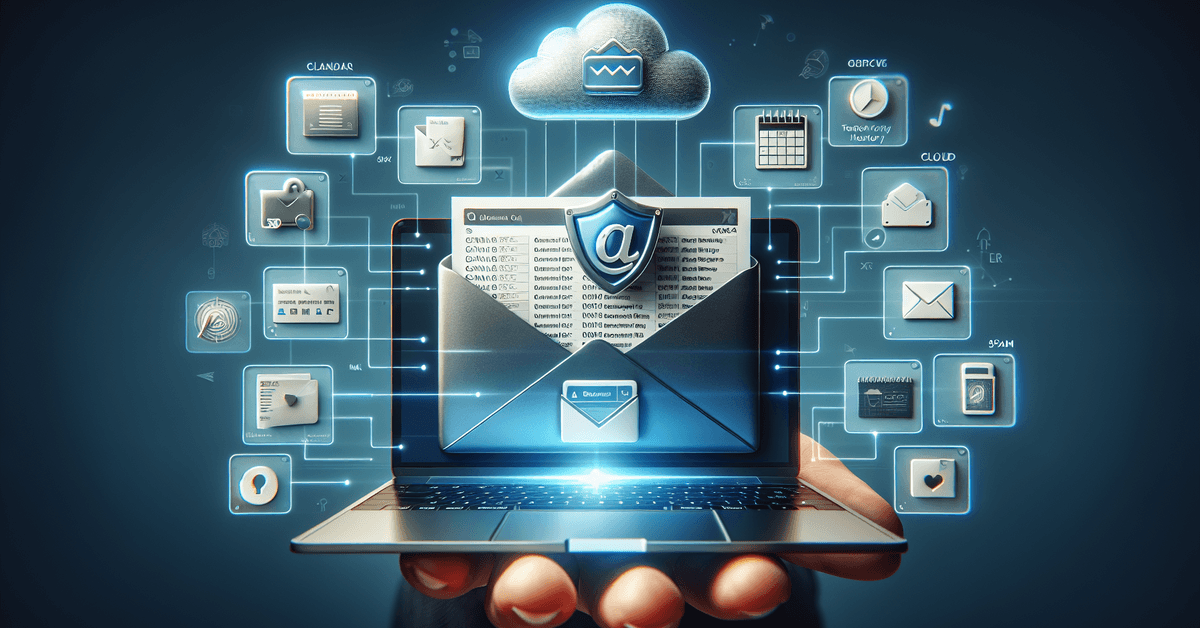
At its core, GMX Mail & Cloud offers a multifaceted platform. It combines a robust email inbox, generous cloud storage, and features like calendars and address books. Users can access these via mobile devices or desktops.
The app’s design seems well-suited for people wishing to organize work, family, or personal information without juggling multiple apps. This flexibility could be especially beneficial for anyone tired of fragmented digital tools.
Core Features of GMX Mail & Cloud
Understanding what makes GMX stand out means exploring its central functions. The platform is centered around four primary areas, each contributing to effective daily management.

Powerful Email Client
One of GMX’s key strengths is its full-featured email interface. Besides standard functions like sending and receiving messages, users benefit from high-capacity attachment support and advanced spam filters.
For people balancing family, work, or shared projects, the ability to tag, move, and sort mail may boost organization significantly.
Secure Cloud Storage
GMX Cloud provides ample space for documents, photos, and even collaborative files. With different folders and permission settings, saving or sharing resources becomes more seamless.
Many appreciate the feeling of control that comes from being able to access personal files anywhere, knowing that data remains stored on European servers under GDPR compliance.
Integrated Calendar and Organizer
Keeping schedules in sync can be tough, especially across home and work life. The GMX app’s calendar tool assists with scheduling appointments, setting reminders, and sending event invitations.
It’s possible to sync with other calendar apps or devices, offering another layer of integration for people juggling multiple commitments.
Address Book with Intelligent Features
GMX’s address book helps users manage contacts efficiently, storing not just emails but phone numbers and additional notes.
Frequent contacts can be favorited or grouped, which tends to save time when dealing with busy inboxes. Updates sync across devices automatically, which is handy for anyone, honestly, who’s ever misplaced a number at a crucial moment.
Privacy and Security: A German Standard
Many users in Germany and across Europe place a premium on data privacy. The GMX app is designed with this expectation, including strict encryption, secure server locations, and robust spam protection.
The commitment to GDPR standards gives peace of mind, especially compared to some other global providers. Still, user vigilance remains important in avoiding phishing or sharing sensitive details by accident.
User Experience: Mobile and Desktop Integration
The GMX ecosystem works across both iOS and Android smartphones, as well as desktop browsers. Mobile apps provide push notifications and swipe navigation, making it easier to stay on top of messages or events.
Desktop versions support drag-and-drop functionality for organizing mail or uploading files. People seem to appreciate having a single login to manage various digital needs, whether at home, a café, or the office.
Offline Access and Synchronization
One advantage of the GMX app is the offline access mode. Messages and files can be viewed or briefly edited without a connection, then sync once the device is back online.
Perhaps not everyone uses this, but it’s a quiet lifesaver for frequent travelers or those with spotty mobile coverage.
Customization and Flexible Use Cases
The app isn’t just “one size fits all.” Users are able to create custom folders, tags, and rules, tailoring the platform to their unique needs.
Some prioritize color-coding tasks, while others might focus on quickly filtering business and personal communications. There’s a sense that the GMX service adapts to each routine, not the other way around.
Families and Shared Devices
Some households, especially in Germany, manage shared tablets or computers. GMX accommodates multiple accounts with secure switching options.
This is helpful for families who want to keep personal information private while managing joint schedules, for example.
Students and Professionals
For users working on schoolwork or remote professional projects, GMX provides version history for files and simple collaboration tools.
Uploading class presentations or distributing meeting notes becomes more straightforward. Reliable document storage and accessibility bring noticeable peace of mind.
Comparison: GMX vs. Other Email & Cloud Platforms
While GMX is popular in Germany, many wonder how it stands against global brands such as Gmail or Outlook. There are differences worth considering, especially for privacy-conscious users.
- Data Location: GMX stores data within Europe, under local privacy law, unlike some US-based competitors.
- Cost: Basic services are free. Paid upgrades remain optional but offer larger storage limits and advanced support.
- Ad Experience: GMX’s app features ads in free versions but avoids intrusive designs. Upgrades reduce or remove these.
- Customization: GMX allows extensive inbox personalization. Some alternative apps might offer less flexibility here.
Optimizing Productivity with GMX Tools
Balancing focus and flexibility is an ongoing challenge. GMX’s built-in tools support better digital workflow, though building habits takes time.
Setting up auto-filters, using the calendar for recurring reminders, and exploring shared folders can help make daily routines smoother.
Automation Tools in GMX
Email rules help sort incoming messages into folders based on sender, topic, or keywords, reducing time spent sorting mail manually.
Similarly, event notifications through the GMX calendar can serve as prompts for personal appointments, deadlines, or birthdays.
Mobile Shortcuts
The app interface includes fast access tabs for email, files, and appointments. Users often find this handy when checking for urgent messages during commutes or in between meetings.
Security Settings and Best Practices
Staying safe online is about more than a secure platform. GMX makes multi-factor authentication available, reducing the risk of unauthorized access.
Changing passwords regularly and avoiding common phrases increases account protection—a step some overlook, perhaps, but one that’s worth emphasizing.
Recognizing Phishing Attempts
It’s wise to remain cautious about unknown senders and suspicious attachments. GMX filters warn against many threats, but users are still encouraged to be critical of links and requests, especially those that appear urgent or unusual.
Conclusion
GMX Mail & Cloud helps organize daily life by combining email, file storage, and mobile access in one app, making it easier to manage messages, documents, and routine tasks.